Extended Warranty
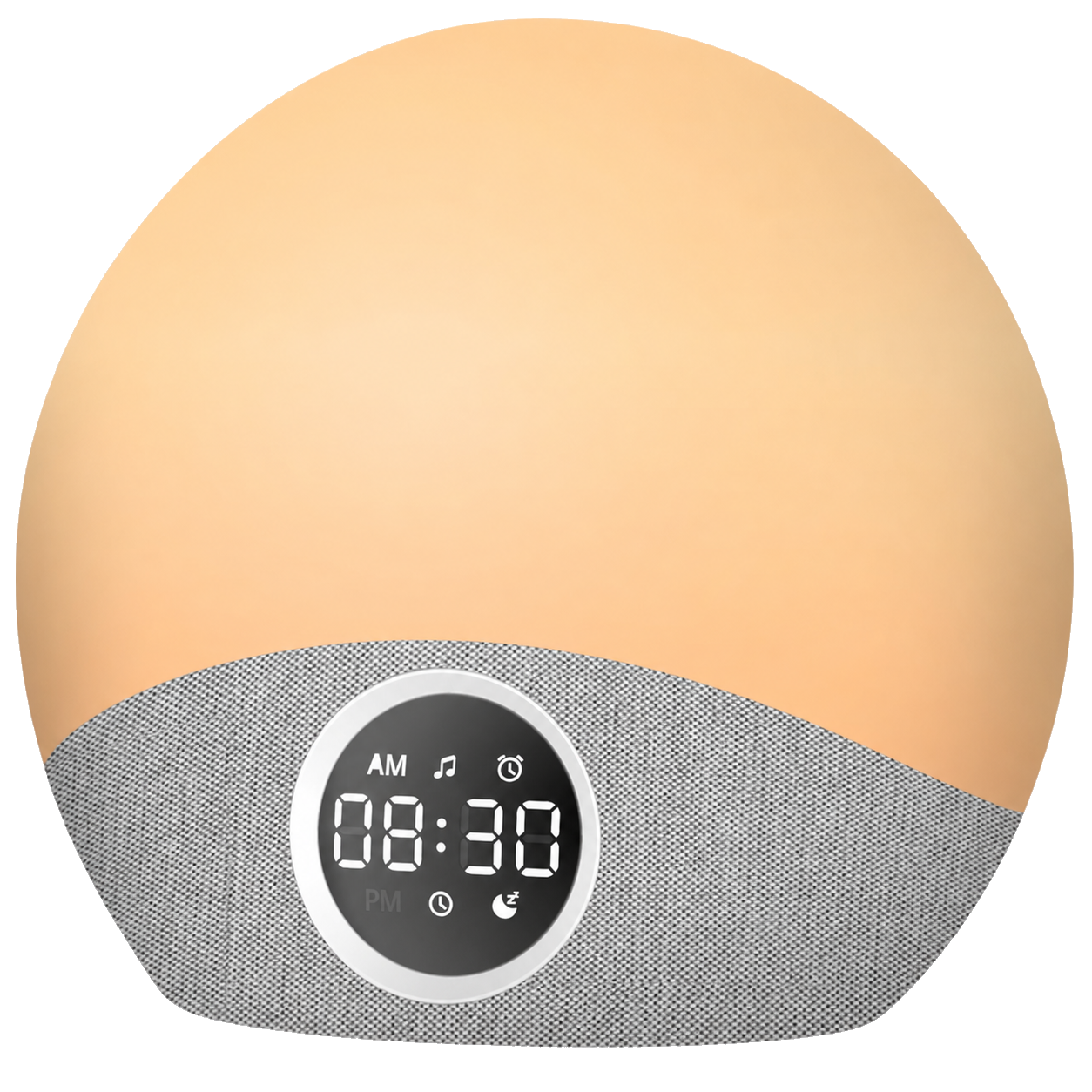
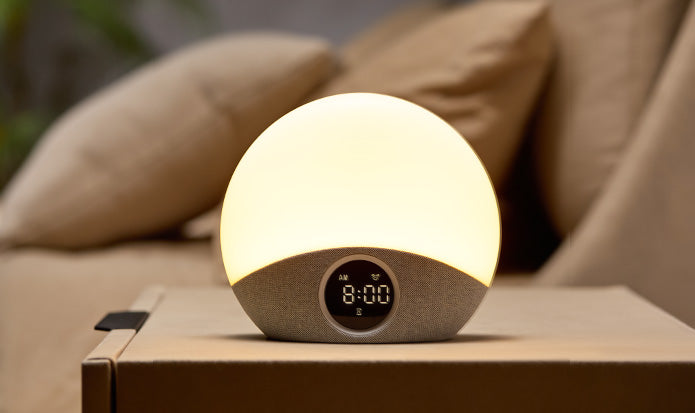
Swiftvein is offering a temporary free warranty extension for the Solara wake-up light.
Free 1-Year Warranty Extension
✔️ 12 months of extra protection (3 years in total).
✔️ Quick 1-minute registration.
Register within 14 days of your purchase.
Swiftvein Solara Instruction Video
Discover the features and benefits of your new Solara in our official product video.
Frequently Asked Questions
To set the alarm, press and hold the alarm icon until the time starts flashing. Use the "+" and "–" buttons to set your desired wake-up time. Once set, press the sunrise icon to choose the light duration (10, 20, or 30 minutes) before your alarm. The light will gradually brighten to simulate a natural sunrise.
Yes! You can fully adjust the brightness level to your preference, and choose from multiple light colors for both the sunrise and ambient lighting modes. This allows you to create the perfect wake-up experience or relaxing atmosphere.
Yes, the Solara needs to remain plugged in to function properly. It does not contain an internal battery for alarm backup. We recommend using it with a stable power source to ensure consistent operation.
The Solara does not have a built-in rechargeable battery to power the light or alarm. However, it includes a small button cell battery on the bottom. This is only used to save your settings (like time and alarms) in case of a power outage. The device must remain plugged in to function normally.
To reset the Solara to its factory settings, press and hold the "volume down" and "+" buttons at the same time for 5 seconds until the screen flashes. This will erase all custom settings, including the time, alarm, and light preferences, and restore the device to its original default state.

 Cleaning
 Sleep & Relax
 Other
Other